
PyroGroup Yard App
Office guide
220B SH16, Whenuapai
24 September 2026
For admins and office staff. Home, People, Time, Inventory, MainTrac, IPSL, Settings.
1. Name and PIN
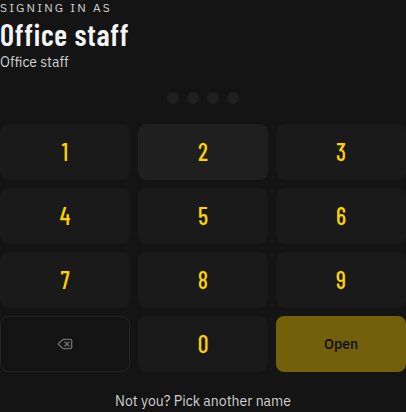
Office sign-in is Name and PIN. Pick your name, type the PIN, then tap Open. Four digits do not submit on their own.
One PIN per person on this device for the Auckland day. After Open, picking the same name again goes straight in until Sign out. Sign out ends it. A different person still types their PIN. The next calendar day needs the PIN again.
Not you shows the name list. That does not end the day.
The gate and this sign-in screen stay black with yellow headings until someone is signed in to the office.
PINs are not reset from this guide. Ask an approved person if a PIN must change.
Yard phone +64 9 416 8001.
2. Home piles
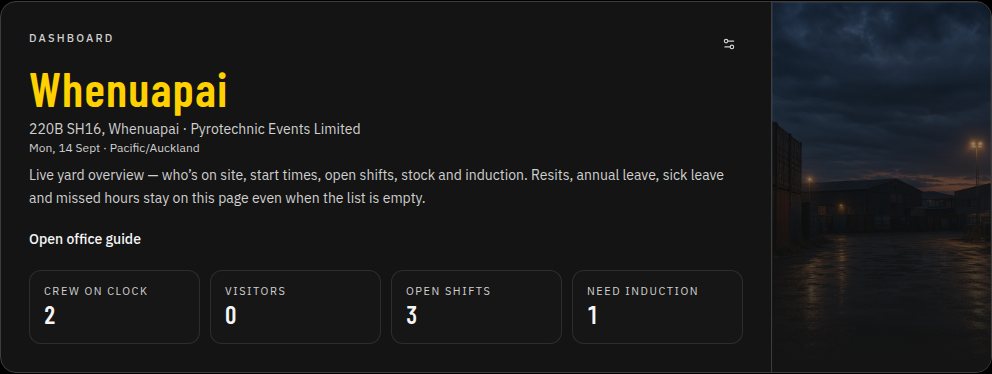
Home is the live yard: who is on the clock, visitors, open shifts, and who still needs induction.
Request piles (missed hours, leave, resits) stay on the tab even when the list is empty.
Remove an item from a pile. The tab stays. Nothing here clocks anyone in or out.
3. People
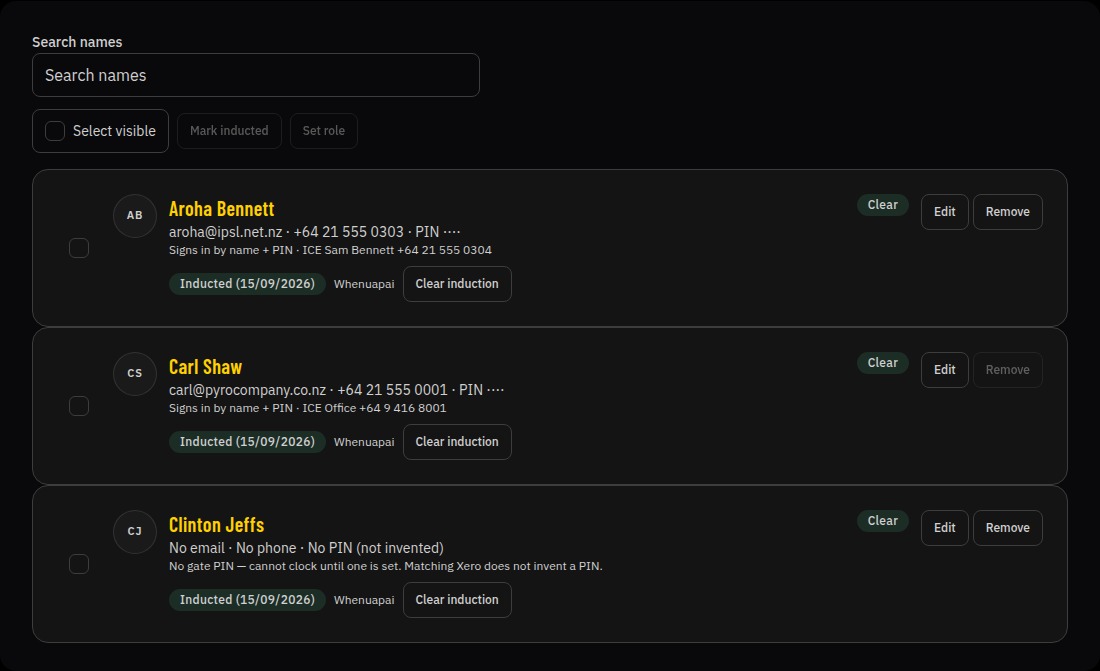
Search by preferred or full name. Empty search is the full list. No match: No one matches that name.
Tick the people you mean. Mark inducted only those ticks, and only after you confirm. Nobody is marked inducted on load, search, or select.
Set role adds the chosen company role. Existing roles stay. Confirm before it applies.
Induction is once. Crew and casuals cannot clock in until they are marked inducted. Clear induction stays per person.
This page does not show or change PINs. Sign-in PINs live on People → Sign-in PINs / Settings.
4. Time, leave, and Xero
Time is this week’s clocks, person then day. Open shifts are flagged.
Each person’s days start collapsed. Click the name to open that list. Click again to close it. A reload starts collapsed again.
Leave sits on Time. Remaining days come from Xero when pulled — nobody invents a balance here.
Pull time from Xero sits next to Send hours. Send hours is unchanged. Export CSV is still there if Xero is not connected.
5. Records and safety checks
High-risk season. Weekday sends: 08:10, 10:20, 13:20, 16:20 Auckland.
The yard shows one Safety procedure button for the current clock time. Split control: yellow safety mark on the left, Safety procedure and the clock (such as 10:20) on the right. Tap it to open the check. A missed check clears when the next time is current. Got it or Complete clears the ping.
Only people clocked in and on site at send time get the ping.
Send test safety check makes a fresh pending sheet. It is not a scheduled slot.
First person on site who ticks both boxes closes it for that send.
6. Office task log
Anyone on the clock can work a task until it is closed. Tap a photo to open it. Close when done.
Logging a new task pings phones that already have alerts on, for people On Duty or On site. Accepting or closing a task does not ping again.
Closed tasks stay on the kiosk until Monday 00:00 Auckland, then Records only.
Open tasks stay on the kiosk across week end. Records keeps the full list, including closed tasks that have left the kiosk.
7. Inventory and Assets
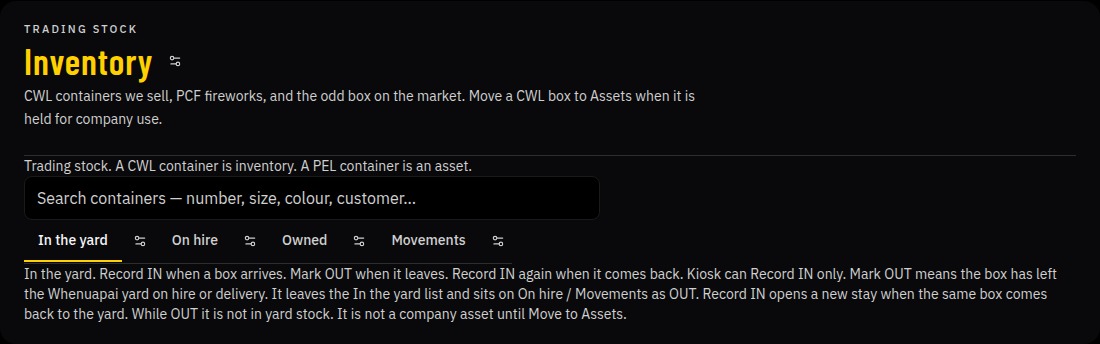
CWL Inventory: In the yard, On hire, Owned, and Movements.
Mark OUT is the box leaving the Whenuapai yard. It is not hire Book OUT and not a sale.
Owned is Move to Assets — company-use stock. PEL plant lives on Assets, not trading stock.
Movements is stay history with filters and Download movements CSV.
8. IPSL Deployment
Walk is Gate, then Batch, then Deploy. That work is Deployment — never destruction.
Both the DG photo and the packing-slip / gate photo are required. Remove takes a gate off the working list.
Opening a gate assigns the next free GateN among live yard gates (Gate1, Gate2, Gate3…). Removed smoke or demo rows keep their old labels but do not count. Live open and batching gates are compacted to a consecutive Gate1…N in the order they were opened.
On the batch, the date is when the gate moved to batching. New batch IDs start at B.1407 and go up. Existing batches keep their ids. A batch that moves to Deployment leaves Batching on its own.
When a batch is ready for Deployment, enter load hogs per gate (each hog 45 kg or less — yard scales, not this app) and the total inflator number.
Receive goes to Storage bin. There is no Q1 step. Deploy does not need a document upload.
9. MainTrac
PEL MainTrac is bird-scaring device orders: Bangers, Screamers, and Blanks.
Never fireworks. Sidebar is MainTrac only. /orders redirects to MainTrac.
10. Jobs, Sites, Certificates
Jobs are company work. Site defaults to 220B SH16 Whenuapai.
Sites is the live yard, daily hazards, and who is on site.
Certificates are IPSL deployment certificates. Print or open the PDF. New batches are made on IPSL.
11. Settings and permissions
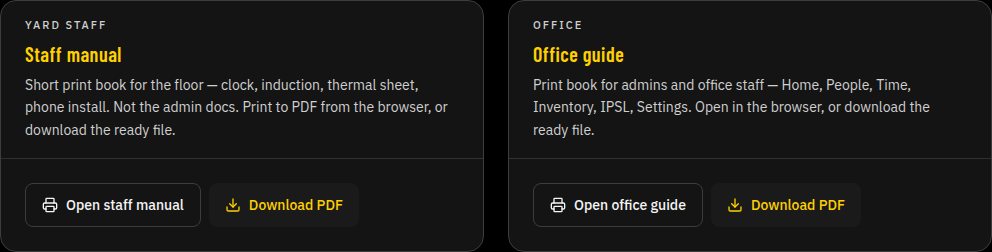
Settings holds the Staff manual and this Office guide — Open and Download PDF on each card. No upload.
A group admin is already set. Extra admins go on Permissions. Crew stay on People until they are given office access.
12. Holding queue and induction once
New Crew and some visitor paths land in a holding queue until office places them.
Staff get a PIN and clock after induction once. Visitors leave with I'm leaving — no PIN.
Public Site sign-in always shows I'm leaving. Visitors pick their name from people visiting. Return visitor, New visitor, and escorted visitors never see who is on site. New Crew does not show who is on site. A staff PIN session still sees who is on site, including the unpaid Visitor chip. Pick your name is at the top. I'm leaving is at the bottom.
On Visitor, I'm leaving sits under the chips, so you can leave without scrolling past New visitor. Who is on site stays off Return visitor, New visitor, and escorted visitors.
Visitor is two chips: Return visitor and New visitor. Return visitor opens first. No Off duty chip on that gate.
Escorted visitors tick the four hazards first, then name, host, reason, and a signature. Sign in stays blocked until they sign. No PIN.
Contractors, storage customers and official inspectors do the full induction. Start induction, then page 1/13 through page 13/13. That visit does not also show the hazard ticks.
Visitor QR on the gate opens the same visitor sign-in.
Hide I'm leaving only on the clocked-in staff menu. Clocked-in staff use the public sign-in screen to sign a visitor out. Who is on site stays on the staff PIN session, including the unpaid Visitor chip.
On the gate, CURRENT STATUS is the company row (PEL, PCF, CWL, IPSL) plus Offsite and Visitor. Tap a company to sign in paid. Visitor is unpaid and on site. Offsite is paid and off the yard. A company switch mid-day does not need Sign out.
Sign out asks for a signature when the stretch was paid, and optional notes. It does not ask about the break. Sign out also ends the PIN on that device.
Clock-in still needs induction once. This guide does not mark anyone inducted and does not reset PINs.